API Request Blocks
API request blocks make HTTP requests to your API endpoints. Each block can be configured with a method, URL, headers, body, and authentication.Adding a block
Click Add block → API request to add a new request block. It automatically connects to the last block in your flow. Click the block on the canvas to open the side panel where you configure everything.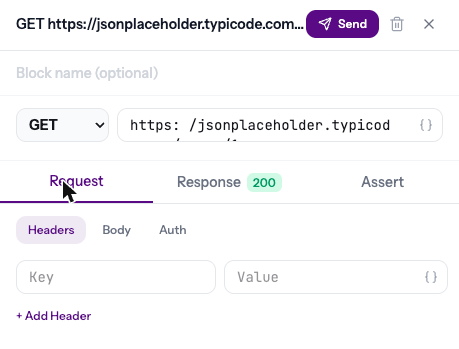
Method & URL
Select the HTTP method and enter the URL:- GET — fetch data
- POST — create data
- PUT — replace data
- PATCH — update data
- DELETE — remove data
{{baseUrl}}/users
Headers
Add request headers as key-value pairs. Click + Add Header to add more. Common headers are auto-detected:Content-Type: application/jsonis set automatically when you have a JSON body
Bearer {{token}}
Body
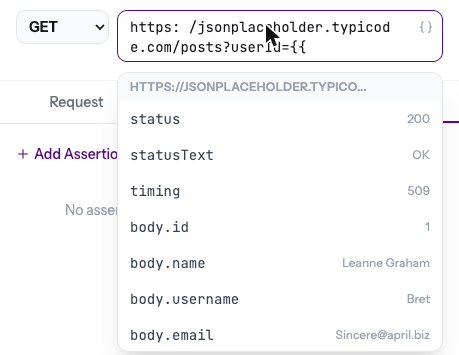
For POST, PUT, and PATCH requests, enter the request body. JSON is the default format.{{ to see available data.
Authentication
The Auth tab supports three types:
Auth values support variables — reference tokens from previous blocks.
Block title
Give your block a descriptive name (optional). It shows on the canvas above the method and URL, making complex flows easier to read.Running a single block
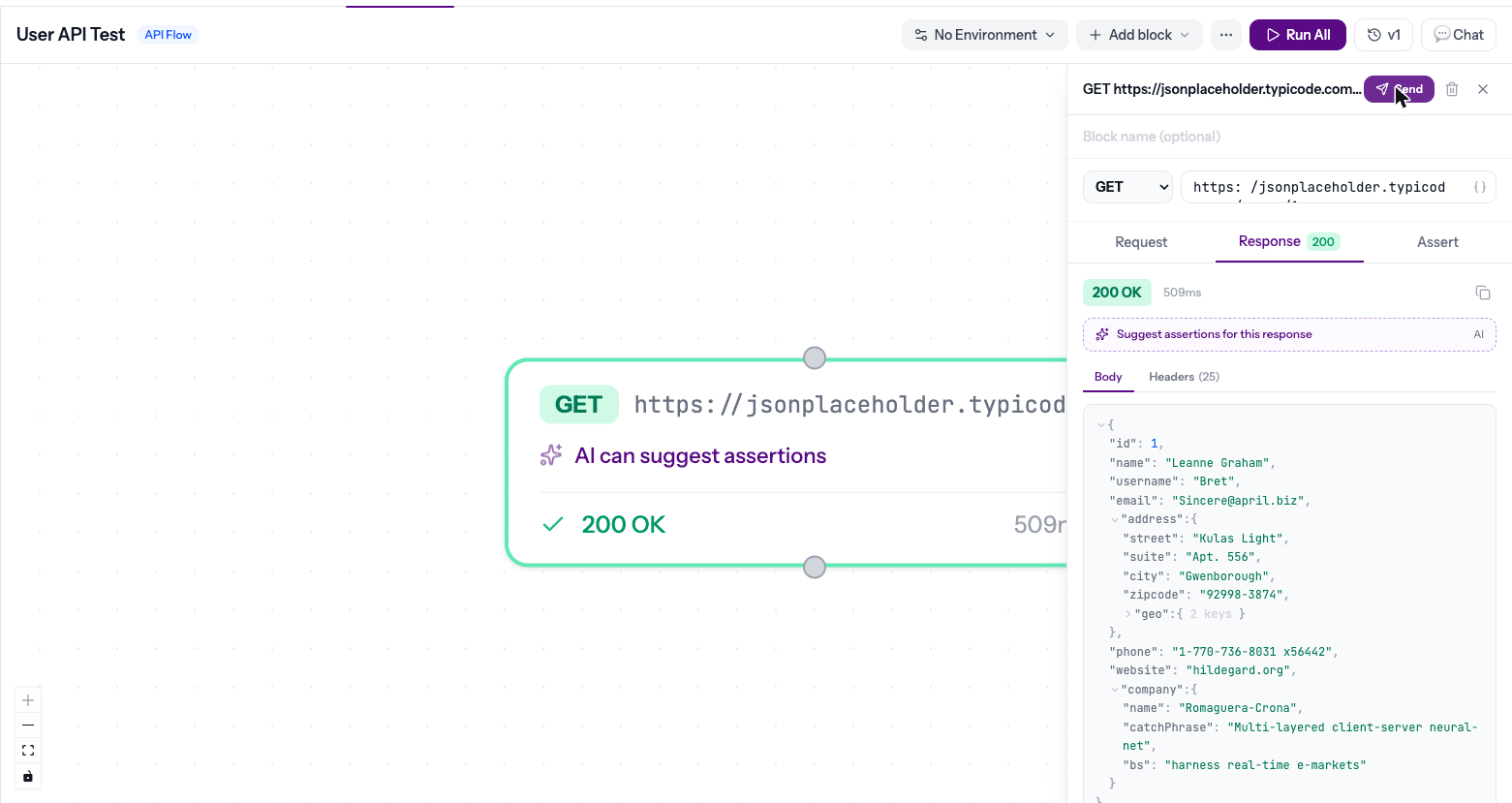
Click Send in the side panel to run just that block. The response appears in the Response tab immediately. This is useful for testing individual requests before running the full flow.