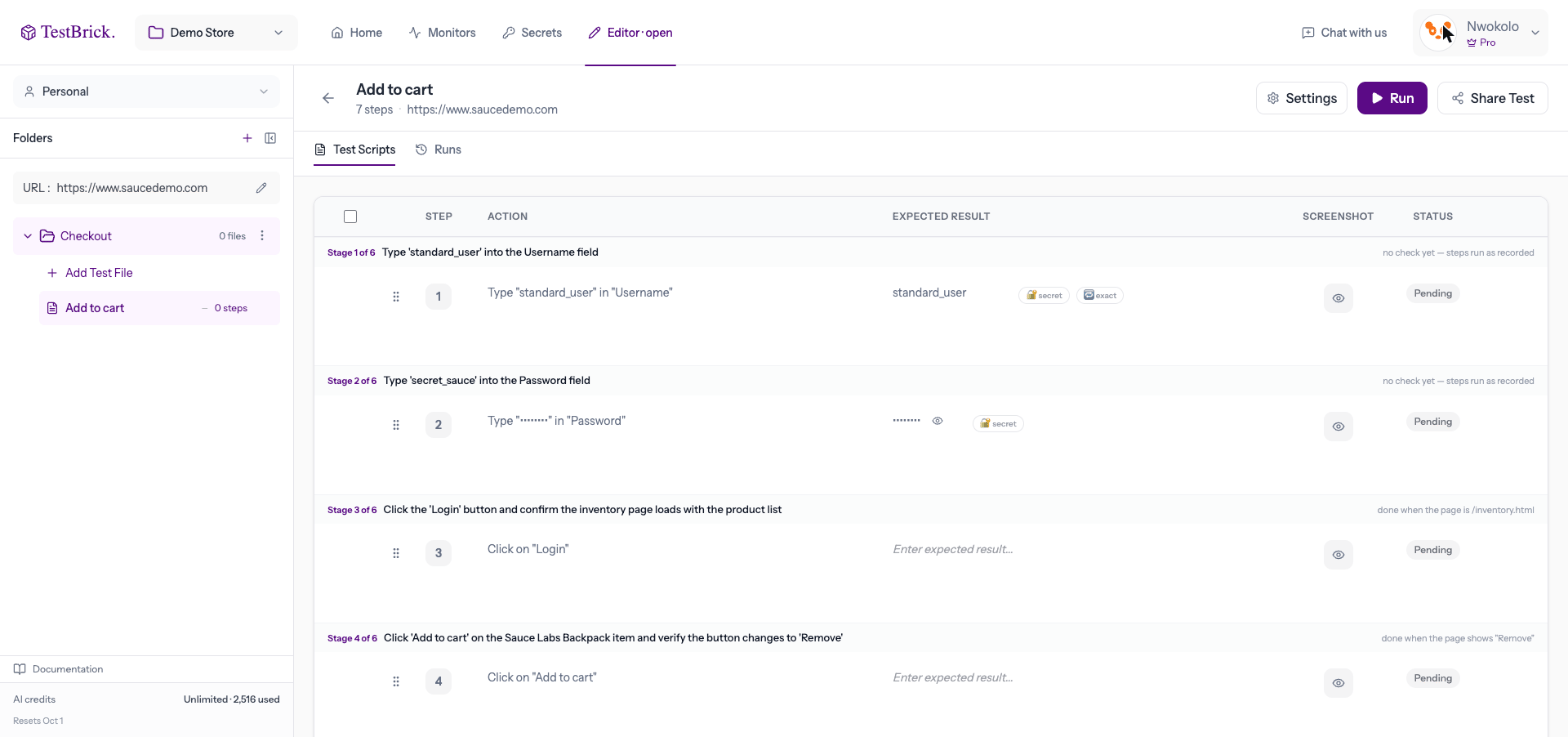
| Type | Types text into a field — fixed, new each run, or a stored secret |
| Click | Clicks a button, link, checkbox or any element |
| Select | Picks an option from a dropdown |
| Press a key | Enter, Tab, Escape and so on |
| Upload a file | Attaches a file to an upload field |
| Wait | Pauses for a few seconds |
| Check | Checks the page shows some text, is on some address, or that two numbers add up |
| Emails | Waits for an email and uses the code or link in it — see Email & codes |
| Authenticator code | Types a fresh 2FA code from a stored key — see Secrets & 2FA |
| Remember a number | Reads a number (like a balance) to compare later in the same run |