

Slack & email alerts
Connect a Slack channel
1
Create an incoming webhook in Slack
In Slack, add an Incoming Webhook for the channel you want alerts in, and copy its link (it starts with
https://hooks.slack.com/services/).2
Add it in TestBrick
On the Monitors page, click Alert channels. Enter the channel name (for example 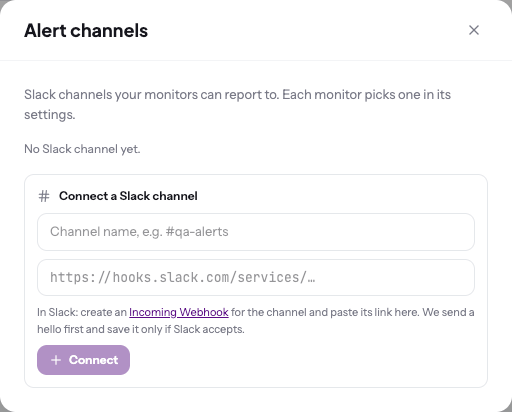
#qa-alerts), paste the link and click Connect.3
Pick it on your monitors
Each monitor chooses its Slack channel under Where in its settings.